Illustrator

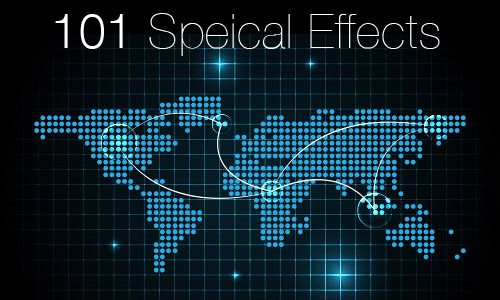
101 illustrator special effects

101 Illustrator Special Effects

Looking to create cool special effects in Illustrator but don’t have any idea how to achieve it? Now Vector Diary will uncover all kinds of special and background effects that can be done in Adobe Illustrator. Don’t miss any of the great special effects tutorial by subscribing to my list of 101 Illustrator Special Effects. …

101 Illustrator Special Effects Read More »

vector-background-effect-1

Illustrator Special Effects #1: Marine Square Tiles

In this first vector background tutorial, I will be teaching you how to create this marine tiles effect. You will learn how to create it effortlessly with the transform tool. (Tramadol) So let’s get started…

graduation-hat

Illustrator Tutorial: Graduation Hat

In this tutorial, we will explain how to illustrate a graduation hat and certificate. The precision of the hat’s band illustrating and folded certificate are very attractive. (musicmundial) Moreover, various shadows and brightness make this illustration very life-like.Let’s get started!

cordless-drill

Premium Tutorial: Cordless Drill

In the following steps, you will learn how to create a cordless drill in Adobe Illustrator. For starters, we’ll be using basic tools (Pen Tool (P), Ellipse Tool (L), Rounded Rectangle Tool…) and some techniques (Offset Path, Blend, Clipping Mask…). Moving on, you will learn how to cleverly use the Gaussian Blur effects and how …

Premium Tutorial: Cordless Drill Read More »

pirate-minion

Premium Tutorial: Pirate Minion

In this tutorial, I’m going to show you the step-by-step process of creating a cute pirate minion. First, you’ll learn how to create pixel perfect shapes using the Pen or the Ellipse Tools. Next, you’ll see how you can add depth and shade for your shapes using the complex gradients, the Pathfinder options and some …

Premium Tutorial: Pirate Minion Read More »

3d-store-display

Illustrator Tutorial: 3D Store Display

In this tutorial, we will learn how to do a 3D illustration for a store display. You will be creating a three-dimensional object without using 3D tools. Also you will be creating a 3D SALE text for this illustration too. Let’s get started!

Scroll to Top