handphone

Illustrator Tutorial: Vector Handphone

In this Adobe Illustrator tutorial, I’ll show you how to draw a vector mobile phone by using simple shapes and gradients. You will learn how to draw basic shapes to build a vector handphone from scratch. So let’s get started.

image001

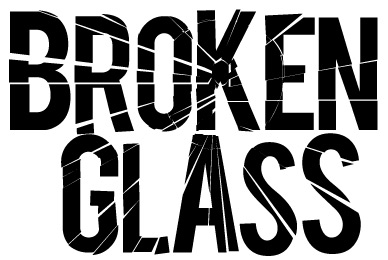
Illustrator Tip #18: Broken Glass Effect

This great broken glass effect can be used for creating effective text effects for your websites or logos. The broken glass effect is relatively simple to create. Throughout this tutorial, I will teach you the skills needed to create this cool effect in Adobe Illustrator.

illustrator-table

Illustrator Tip #17: 4 Methods of Drawing Tables in Illustrator

Tables are often used when you are designing brochures or company profiles. However, drawing a table can be quite tedious in Illustrator as there is no proper tool to draw tables. I will illustrate some workarounds to this problem and its pros and cons.

Rain_by_0CandyApple0

38 Inspiring Vexel Artworks & Tutorials

“Vexel” is a combination of the words vector and pixel, and it is used to describe a style of digital art which is entirely pixel-based, but looks like vector art. Vector uses mathematical equations to create lines and shapes in image whereas vexels are raster works in pixels.

nivea

Illustrator Tutorial: Cosmetic Bottle Illustration

In this Illustrator tutorial, you are going to learn how to draw a beautiful vector cosmetic product illustration. It is pretty easy and beginners can learn the basics of coloring and drawing. At the end, we are going to add some glitters to finish it. So let’s get started with drawing vector bottles!

Scroll to Top